






How to activate eSIM on iPhone: install at home, switch on abroad
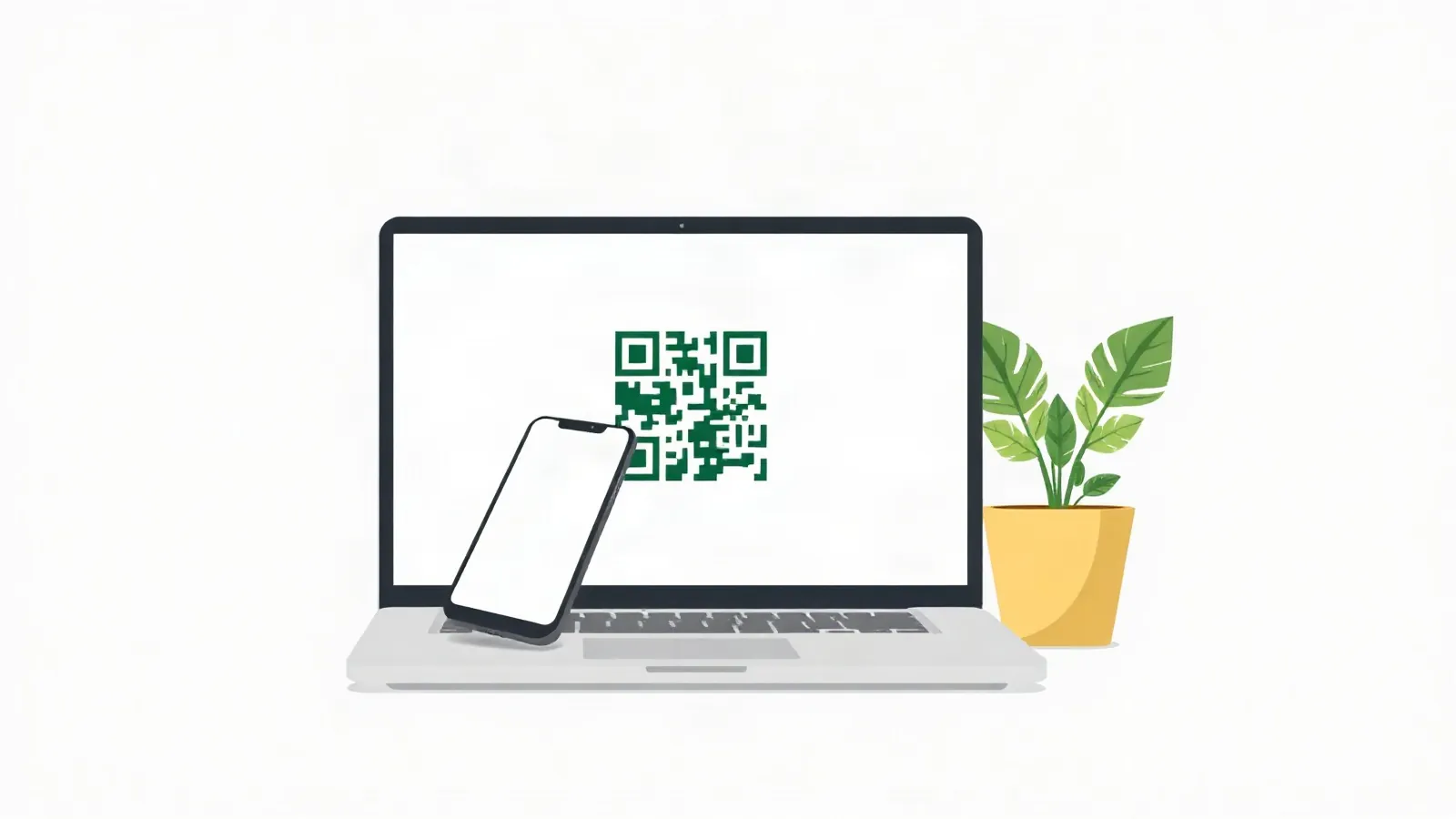
How to activate eSIM on iPhone for a trip: scan the QR code from your order with the Camera app on home Wi-Fi, tap Add Cellular Plan and label the new line Travel. Keep your e&, du or Virgin Mobile SIM on for calls and SMS. After you land, set Cellular Data to Travel and turn on Data Roaming for that line only. Install before you fly; it connects when you land abroad.
Before you start: Wi-Fi, an unlocked iPhone, the QR code
You need home Wi-Fi, an iPhone XR, XS or later with no carrier lock, and the QR code from your order. On 327 of our 348 plans you can install up to 365 days after purchase (catalogue, 15 Oct 2026).
Apple lists eSIM on “iPhone XS, iPhone XS Max, iPhone XR, or later” and asks for a Wi-Fi network or hotspot (Apple Support UAE, 15 Oct 2026). Check your iPhone models in the iPhone eSIM list. The iPhone 17, 17e and Air take no physical SIM, so your UAE line is an eSIM there too; keep your UAE number explains how.
Open Settings > General > About. “No SIM Restrictions” next to Carrier Lock means the iPhone is unlocked (Apple Support UAE, 15 Oct 2026). To use two carriers on a dual SIM iPhone, Apple says, “your carrier must unlock your iPhone” (Apple Support UAE, 15 Oct 2026).
Your plan’s days start at the first connection abroad, with no ID check, so an early install costs no days. The exceptions are a few plans for Bosnia and Herzegovina, Suriname and Mayotte, which start at install. Your order page shows the days and data left: check data usage.
Install the eSIM: QR code or manual entry
Here is how to activate eSIM on iPhone: scan the QR code with the Camera app, tap Continue, then tap Add Cellular Plan. Menu names are Apple’s own (Apple Support UAE, 15 Oct 2026).
- Show the QR code from your order on a laptop or second screen.
- Open the Camera app, scan the code and tap the Cellular Plan Detected notification.
- Tap Continue at the bottom of the screen.
- Tap Add Cellular Plan.
- On iOS 26 or later the iPhone may ask whether the eSIM is for home or travel. Choose travel.
After landing: mobile data on Travel with Data Roaming on; Primary (e&, du or Virgin Mobile) keeps calls and SMS, its Data Roaming off.
If the QR code is on the iPhone itself, in your email app or browser, tap and hold it on iOS 17.4 or later and tap Add eSIM. If scanning fails, open Settings, tap Cellular (or Mobile Data), tap Add Cellular Plan, then Enter Details Manually, and type the details from your order exactly as written.
Label the lines: your UAE line and Travel
Name the two lines UAE line and Travel. Apple lets you rename each line under Cellular Plan Label (Apple Support UAE, 15 Oct 2026).
Open Settings, tap Cellular, tap the number to rename, tap Cellular Plan Label and type a label. Apple’s travel page treats them as a primary and secondary line: your home number is primary, the travel eSIM secondary (Apple Support UAE, 15 Oct 2026). The mock-up above shows Primary. Use UAE line for your e&, du or Virgin Mobile number and Travel for the eSIM.
Keep the UAE line switched on. Our single-country eSIMs for India, Pakistan, Bangladesh, Nepal, the Philippines, Egypt, Sri Lanka and the other GCC countries are data-only, with no phone number, so calls and SMS stay on your UAE SIM. No operator page we read promises that bank OTP messages arrive abroad.
| Snapshot 15 Oct 2026 | Mobile data abroad without a pack | Incoming SMS | Incoming call, per minute |
|---|---|---|---|
| e& | Blocked; text UBLOCK to 1010 for 24 hours of pay-as-you-go data | “Incoming SMS Free” | AED 0.808 (GCC), AED 4.25 (rest of world) |
| du | “data usage is blocked”; no pay-as-you-go data | price not found | AED 0.81 (GCC), AED 1.25 (postpaid, other zones) |
| Virgin Mobile | “There’s no Pay As You Go rates available” | “Receive AED 0.00” | AED 0.808 (Saudi Arabia), AED 4.00 (UK, India) |
Sources: e& standard roaming rates (15 Oct 2026), du roaming FAQ (15 Oct 2026), Virgin Mobile country rates (15 Oct 2026); Virgin Mobile: Saudi Arabia, UK and India only.
When you land: Cellular Data and Data Roaming
After landing, make Travel the Cellular Data line and turn Data Roaming on for Travel only. That first connection starts your plan’s days.
Open Settings, tap Cellular, tap Cellular Data and choose Travel. Then tap the Travel line, tap Cellular Data Options and turn on Data Roaming (Apple Support UAE, 15 Oct 2026).
| Setting | Travel line | UAE line |
|---|---|---|
| Cellular Data (data line) | Selected | Not selected |
| Data Roaming | On | Off |
| Line switched on | On | On, for calls and SMS |
Leave Allow Cellular Data Switching off; it lets the iPhone use data from both plans, and your UAE line has no data pack. On iOS 26 or later a “Turn On Travel eSIM” notification may appear on arrival. Tap it and choose Travel eSIM and Current eSIM: your UAE line stays on, and “your travel eSIM will be used for data”. Apple adds that “you might still incur roaming fees from your home eSIM” (Apple Support UAE, 15 Oct 2026). So keep Data Roaming off on the UAE line, even though the operator blocks data without a pack.
Back home, iOS 26 or later may switch the travel eSIM off by itself; if it doesn’t, enable “Turn On this Line” for your UAE line. If the trip falls through and the eSIM has not connected to any network, you can get a refund within 30 days of purchase.
If the iPhone can’t activate the eSIM
Check four causes in this order before you write to us.
No internet during install. The phone downloads the profile, so stay on home Wi-Fi until the new line appears under Settings > Cellular.
A carrier lock or an old model. Carrier Lock must show “No SIM Restrictions” (see Apple’s page on unlocking an iPhone), and the model must be an iPhone XR, XS or later.
A QR code on the same screen. Tap and hold it on iOS 17.4 or later, or enter the details manually.
A wrong data setting. Check that Travel is the Cellular Data line and its Data Roaming is on. On iPhone the APN sets itself on 344 of our 348 plans; only plans for Colombia, Panama and Venezuela need a manual APN (catalogue, 15 Oct 2026). For those, check your order page and write to support@esimgo.ae if no APN is shown. More checks: no signal.
Don’t delete the eSIM to try again; turn the line off instead. To reinstall it or move it to another phone, contact support@esimgo.ae with your order number first.
FAQ
How do I activate an eSIM on an iPhone?
To activate it, scan the QR code from your order with the Camera app on Wi-Fi, tap Continue, then tap Add Cellular Plan. Label the line Travel. After you land, choose Travel under Cellular Data and turn on Data Roaming for it.
Do I need data roaming on for the travel eSIM?
Yes, on the Travel line only. Keep it off on your UAE line, which has no data pack and where e&, du and Virgin Mobile block data abroad.
How do I switch between my SIM and eSIM on iPhone?
Open Settings, tap Cellular, tap Cellular Data and select the line: Travel abroad, your UAE line at home. Keep both lines switched on so your UAE number still gets calls and SMS.
Can I move my travel eSIM to a new iPhone?
Contact support@esimgo.ae with your order number before you delete anything. We have no published reinstall rules. Apple’s eSIM Quick Transfer is for carrier plans, and we don’t promise it for ours.
Sources checked: Apple Support UAE, Set up eSIM on iPhone (118669), Using Dual SIM with an eSIM (109317), About cellular data roaming options (109037), Use eSIM while traveling internationally (118227): support.apple.com/en-ae (15 Oct 2026). e&, du and Virgin Mobile: pages linked under the table (15 Oct 2026).
Not sure how much data to take? Work it out from your trip length and how you use your phone.