




How much data is left on your travel eSIM: order page vs phone counter
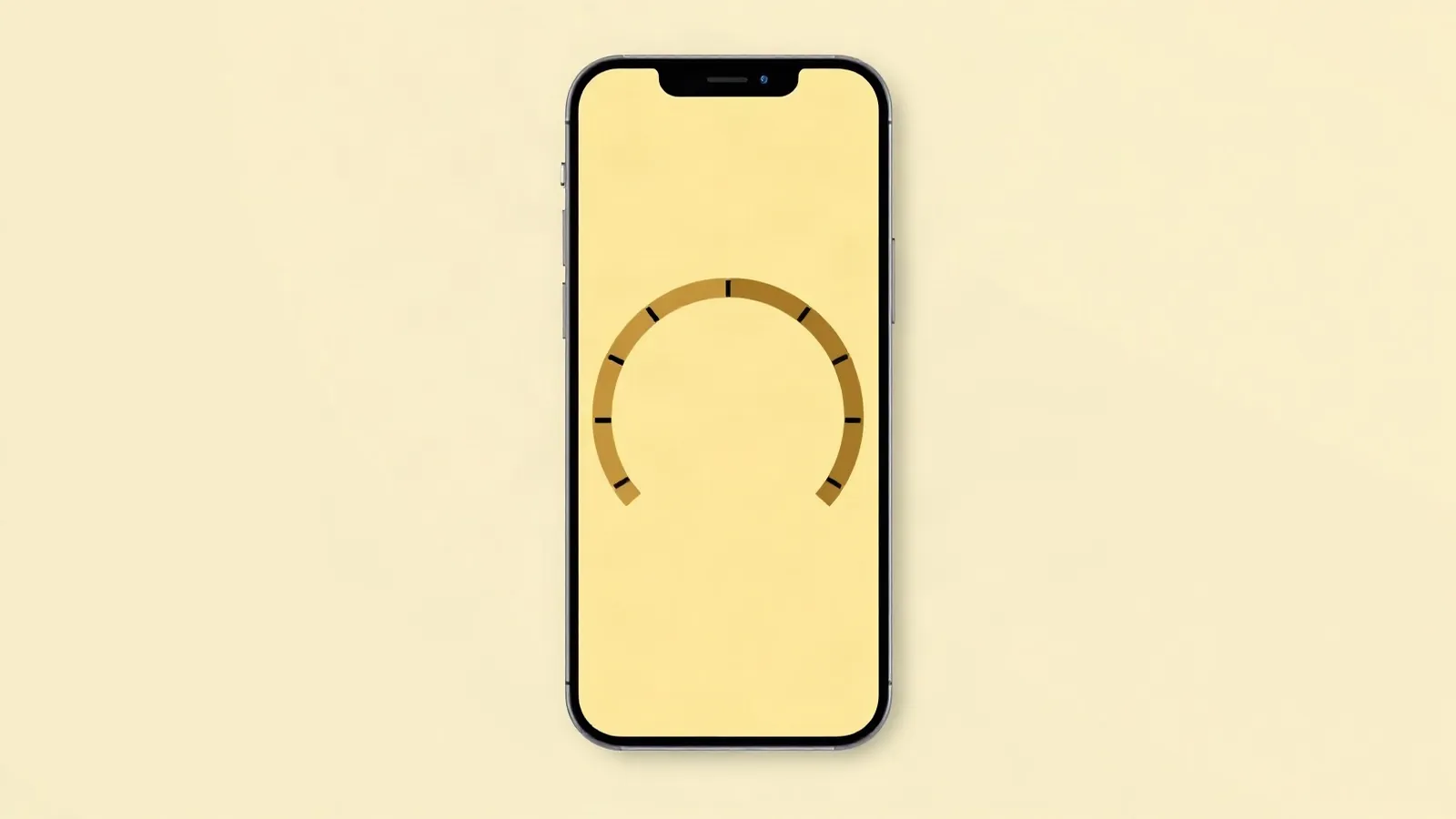
How to check data usage on an iPhone with a travel eSIM? Open your order page from the e-mail and check Balance: data left, days left and the eSIM’s status; tap Refresh. That is your plan’s own allowance. The data counter inside your iPhone or Pixel counts something else, so its number will differ.
Your plan’s balance: the order page
The order page has a Balance block right under the QR code. It loads when you open the page and again each time you tap Refresh (our order page, 16 Oct 2026). If the page first asks you to “Enter the e-mail you used for the order”, type that address and the block appears.
| Line | What it shows | What it means |
|---|---|---|
| Data | “3.2 GB of 5 GB”, “You used 1.8 GB” | Your plan’s own allowance; “until |
| Days | “6 days of 7” | Days of validity; before the first connection it reads “They start counting at activation” |
| Status chip | Active, Not activated yet, Expired, Data used up, Status unknown | The eSIM’s state at the last check |
On most plans the days start at your first connection in the destination, so a plan installed at home reads “Not activated yet” until you land. A few plans for Bosnia and Herzegovina, Suriname and Mayotte start at install (15 Oct 2026).
If the check fails, the block says “Balance not available yet” and “We could not reach the network. Please try again in a minute.” Wait, then tap Refresh; if it keeps failing, email support@esimgo.ae.
What Balance shows on an unlimited plan
On an unlimited plan Balance shows ∞ instead of a GB figure, with the plan’s daily high-speed limit and the line “Total volume is not counted.” Most of our unlimited plans run at full speed up to 3GB a day, then slow to 1 Mbps; in Thailand, the USA, Italy and Spain the limit is 5GB (15 Oct 2026). Data shared by hotspot counts toward the same daily limit.
So ∞ means no total GB to run out of, not no limit: the daily line is what slows you down. The unlimited eSIM guide explains the limit.
The phone’s counter and why it differs
Your phone keeps its own tally of mobile data: on an iPhone in the Settings > Cellular menus, on a Pixel in Settings > Network & internet (Apple Support UAE and Google Pixel Help, 15 Oct 2026). It does not know your plan’s size or start date, so it never shows what is left.
Take a 5GB plan. Balance reads 3.2GB left, so you used 1.8GB. Your iPhone counter reads 6.4GB, because it has run since a reset two weeks before the trip. Both are right (our illustration, not a measurement).
Use Balance for data, days and status; the phone’s counter is your phone’s own tally, not your plan’s. Tap Refresh before you compare anything. To size a plan per day, see how much data do I need.
When the data runs out
When the chip says Data used up, buy a new plan, or top up if your order page shows a top-up block. A top-up goes to the profile already installed, with no new QR code to scan.
Unlimited plans for Turkey, Qatar and Kyrgyzstan cannot be topped up, and some products for Afghanistan, Guam, Jersey, Morocco and Taiwan cannot either (15 Oct 2026). Expired means the plan’s days have run out, even if some data was left. Active with no internet is another problem: run the five checks for an eSIM that is not working abroad, or see the help page.
FAQ
How much data is left on my travel eSIM?
Open your order page from the e-mail and check Balance, under the QR code. It shows GB left, days left and the eSIM’s status. Tap Refresh for a new reading.
Why does my phone’s counter differ from my plan?
Your phone counts all mobile data it used since its own last reset. Balance counts only your plan’s allowance from its first connection. Neither number is wrong; Balance is the one that shows what is left.
What does unlimited show on the balance?
An unlimited plan shows ∞ and the plan’s daily high-speed limit, with the line “Total volume is not counted”. On most of our unlimited plans that is 3GB a day at full speed, then 1 Mbps; Thailand, the USA, Italy and Spain have 5GB.
What happens when the data runs out?
The status chip changes to Data used up. Buy a new plan, or top up if your order page shows a top-up block. Unlimited plans for Turkey, Qatar and Kyrgyzstan cannot be topped up.
Sources checked: Apple Support UAE, Cellular settings on iPhone: support.apple.com/en-ae/118227 (15 Oct 2026) · Google Pixel Help, set up and use an eSIM: support.google.com/pixelphone/answer/9449293 (15 Oct 2026) · eSIM Go, order page and catalogue snapshot: our data (16 Oct 2026).
Not sure how much data to take? Work it out from your trip length and how you use your phone.