






OnePlus phones with eSIM: which models, and how to add a travel eSIM
OnePlus eSIM support in the UAE: 2 of 6 models list it on OnePlus UAE’s spec pages, the OnePlus 13 and OnePlus 12. The 13R, 12R, Nord 4 and Nord 3 5G list a dual nano-SIM slot and no eSIM (checked 15 and 16 Oct 2026). Add the travel eSIM under Settings > SIM card & mobile data > Manage eSIM Card.
OnePlus phones with eSIM in the UAE
OnePlus UAE lists eSIM for 2 of 6 models, the OnePlus 13 and 12. The other 4 list SIM slots only, so we count them as no.
| Model | eSIM | OnePlus UAE spec page | Checked |
|---|---|---|---|
| OnePlus 13 | Yes | “eSIM” | 15 Oct 2026 |
| OnePlus 12 | Yes | “eSIM” | 15 Oct 2026 |
| OnePlus 13R | No | “Dual nano-SIM slot” | 15 Oct 2026 |
| OnePlus 12R | No | “Yes (Dual nano-SIM slot)” | 16 Oct 2026 |
| OnePlus Nord 4 | No | “Yes (Dual nano-SIM slot)” | 16 Oct 2026 |
| OnePlus Nord 3 5G | No | “Yes (Dual nano-SIM slot)” | 16 Oct 2026 |
Source: oneplus.com/ae spec pages (checked 15 and 16 Oct 2026).
The 13 and 12 add the note “Feature availability may vary due to compatibility with local carriers.” “No” means the page does not mention eSIM, not that OnePlus says the phone has none.
We read these six pages only; regional models have their own pages.
Check your OnePlus: the Manage eSIM Card test
To check eSIM support on a OnePlus, open Settings > SIM card & mobile data. OnePlus Support says: “If the ‘Manage eSIM Card’ does not appear on your device, it does not support eSIM services.”
That global OnePlus Support page (16 Oct 2026) is the only one we found; OnePlus UAE has none. It adds that “The eSIM function varies per your mobile operator, country/ region, and the device.”
A OnePlus bought on a contract may be carrier-locked; see the Locked phones section of our eSIM compatible phones guide before you buy a plan. The EID is the identifier of your phone’s eSIM chip (glossary); we have no verified OxygenOS path to it.
Add the travel eSIM on OxygenOS
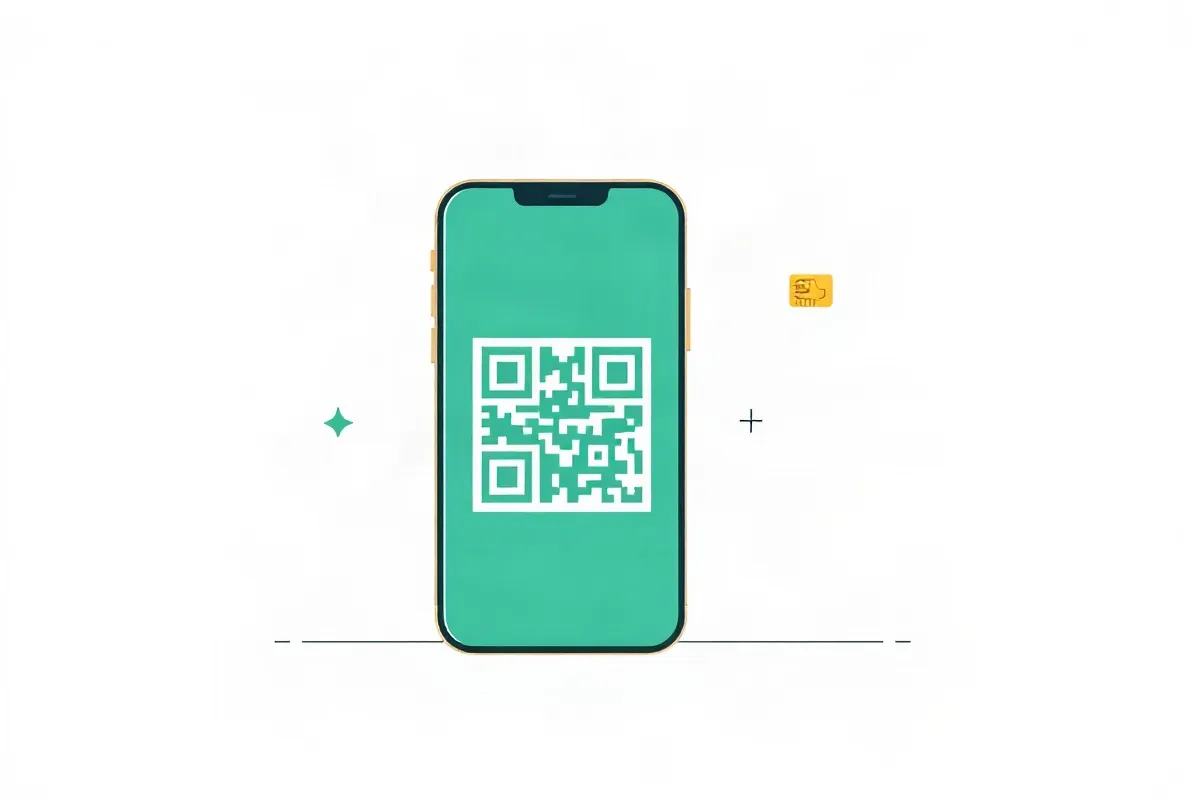
To add a OnePlus eSIM, join Wi-Fi, open Settings > SIM card & mobile data > Manage eSIM Card, tap to download the SIM card, tap Continue and scan the QR code (OnePlus Support, 16 Oct 2026).
If scanning fails, tap Need help > Manual input and type the code. OnePlus warns that “Pictures, settings, and paths might differ from those of your phones”, so if a label differs, look for the eSIM option in the SIM settings.
Install on home Wi-Fi before you fly; on most of our plans the days count from the first connection abroad. After landing, choose the travel eSIM as the mobile data line and turn on its data roaming; the Android guide has the steps.
Keep your UAE SIM for calls and SMS. e& and Virgin Mobile don’t charge for SMS you receive abroad; du publishes no price for it, so check with du. Calls you receive are charged per minute (15 Oct 2026). We cannot promise that bank OTP messages arrive abroad. Our eSIMs do not provide service in the UAE.
After the trip: switch the line off, don’t delete it
Back home, open Manage eSIM Card and tap Enable/Disable to switch the OnePlus eSIM off. Don’t tap Delete.
OnePlus Support says a deleted eSIM can be added again by scanning the QR code or entering the code, and adds: “Please refer to your carrier on whether it supports eSIM services.” Whether our QR code can be scanned a second time is not confirmed, so contact support through the help centre before you delete. A factory reset can remove it too: OnePlus lists Settings > Additional settings > Backup and reset > Erase all data > Clear data and eSIM information.
FAQ
Which OnePlus phones support eSIM?
OnePlus UAE lists eSIM for the OnePlus 13 and OnePlus 12. The 13R, 12R, Nord 4 and Nord 3 5G list a dual nano-SIM slot and do not mention eSIM.
Do OnePlus phones sold in the UAE support eSIM?
Some do. The 13 and 12 list eSIM, with OnePlus’s note that “Feature availability may vary due to compatibility with local carriers.” The other four models we checked list SIM slots only.
How do I add a travel eSIM on OnePlus?
Join Wi-Fi, open Settings, SIM card & mobile data, Manage eSIM Card, tap to download and Continue, then scan the QR code. If scanning fails, tap Need help, then Manual input.
Should I delete the travel eSIM after my trip?
No. Switch it off with Enable/Disable in Manage eSIM Card. We cannot confirm our QR code can be scanned twice, so contact support before you delete it.
Sources checked: OnePlus UAE, specs pages (13, 12, 13R, 12R, Nord 4, Nord 3 5G): oneplus.com/ae (15 and 16 Oct 2026). OnePlus Support (global), eSIM add, switch off, delete, recover after delete: service.oneplus.com (16 Oct 2026). e& and Virgin Mobile roaming rates: eand.ae, virginmobile.ae (15 Oct 2026).
Not sure how much data to take? Work it out from your trip length and how you use your phone.